 Vfatio
 compounding
vfat uses Sickle smart contract wallets to reinvest earnings from liquidity positions. You can compound manually or automate reinvestment into the same position. Another eligible position on the same chain can receive automated rewards where the chain and current automation contracts support it. The choice affects fees, required setup, and the conditions for execution.
Updated on
Manual and automated compounding
Manual compounding lets you initiate each reinvestment. Auto-compound uses saved position settings and execution checks to decide when reinvestment can run. These are the standard strategy fees; network gas and underlying protocol or swap costs are separate. The applicable fees depend on the chosen route and contract version.
| Method | Standard fee and required setup |
|---|---|
| Manual compound | 0.9% of rewards. You initiate the action on your own Sickle. |
| Auto-compound | 1.8% of rewards. Enable Rewards for the position, choose Compound, save the settings, and complete any chain-level Automation approval and action permissions that the Sickle requires. |
Only the current automation system is supported. Positions with older automation approvals show automation as off and need configuration through the position to enable the desired actions. Manual management remains available.
Compounding reinvests earnings into liquidity. For a payout, reward automation instead offers Keep tokens to send the original rewards to your wallet, or Convert tokens to receive one selected token. Auto-harvest and auto-compound are mutually exclusive per position. Reward automation can be configured alongside auto-rebalance and auto-exit.
Why an enabled compound may wait
Normal fee-funded execution waits until rewards meet an estimated threshold and the automation fee revenue can cover gas. The threshold uses position size, APR, and transaction costs to estimate when reinvestment may improve returns after gas. It does not guarantee the best possible return.
The Reward frequency estimate describes the approximate time needed to earn that threshold from zero at the current harvestable reward rate. Existing rewards can shorten the first wait. Changes in reward rates, token prices, gas costs, automation checks, and funding can change execution timing, so the estimate is not a scheduled transaction time.
Timing can be unavailable when the reward rate cannot be estimated reliably or rewards are combined from multiple positions. Automation can still be configured without that preview.
Selecting APY changes the displayed yield estimate; it does not enable auto-compound or change a position. Range-based APR estimates also do not predict time out of range, impermanent loss, or rebalancing costs.
Prepaid gas and spending limits
Where the Sickle and chain configuration support it, a prepaid balance in the chain’s native token can fund eligible automation when fee revenue cannot cover gas. Topping up only adds funds. Pay gas from prepaid balance must also be enabled through the required wallet confirmations, and strategy fees still apply.
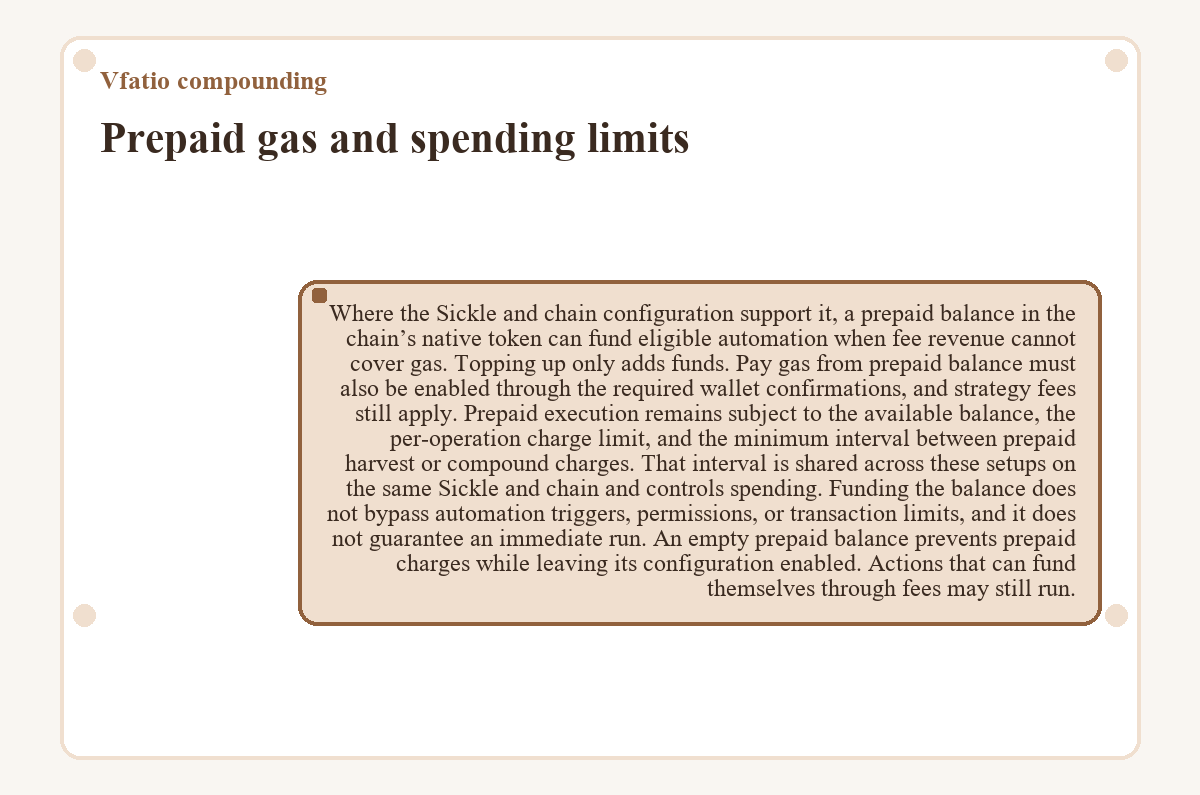
Prepaid execution remains subject to the available balance, the per-operation charge limit, and the minimum interval between prepaid harvest or compound charges. That interval is shared across these setups on the same Sickle and chain and controls spending. Funding the balance does not bypass automation triggers, permissions, or transaction limits, and it does not guarantee an immediate run.
An empty prepaid balance prevents prepaid charges while leaving its configuration enabled. Actions that can fund themselves through fees may still run.
Self-compounding and shared destinations
The “This position” option reinvests earnings into the position that earned them. Another eligible position on the same chain can receive those earnings when the network and current automation contracts support that destination. A receiving position includes its own rewards and can also receive rewards from other sources. Farm rewards and NFT trading fees can contribute.
- Group size
- A group supports up to 32 funded Sickle LP or NFT positions on one chain, including the destination and its existing sources. ERC-6909 positions cannot participate.
- Position eligibility
- Sources can be selected with zero rewards, and the bot waits for rewards to accumulate. Out-of-range NFT positions remain eligible. Empty positions and closed farms cannot be activated as new sources or destinations; their saved settings remain visible and can be disabled.
- NFT compatibility
- Only the destination NFT can participate from its own farm and pool. Other source pools can contribute multiple NFTs. NFTs in the same pool can still use independent per-position compounding.
A destination that already sends rewards elsewhere must first be changed from its own settings. If a source’s saved destination becomes unavailable, its reward routing pauses until an eligible destination is explicitly selected and the required setup is completed.
A confirmed deposit and an active reward route are separate states
A standalone new position can include self-compounding settings in its deposit transaction. Adding liquidity to an LP position that already receives rewards preserves its group and follows the additional setup flow. Routing a new position’s rewards to another destination requires the deposit followed by separate auto-compound setup transactions.
Reward routing becomes active only after setup and the required permissions are complete. A failure in a later setup step leaves the confirmed deposit intact. The failed setup can be resumed without another deposit, including through the new position’s Automation settings after the transaction flow has been closed.
Changing or stopping a shared setup
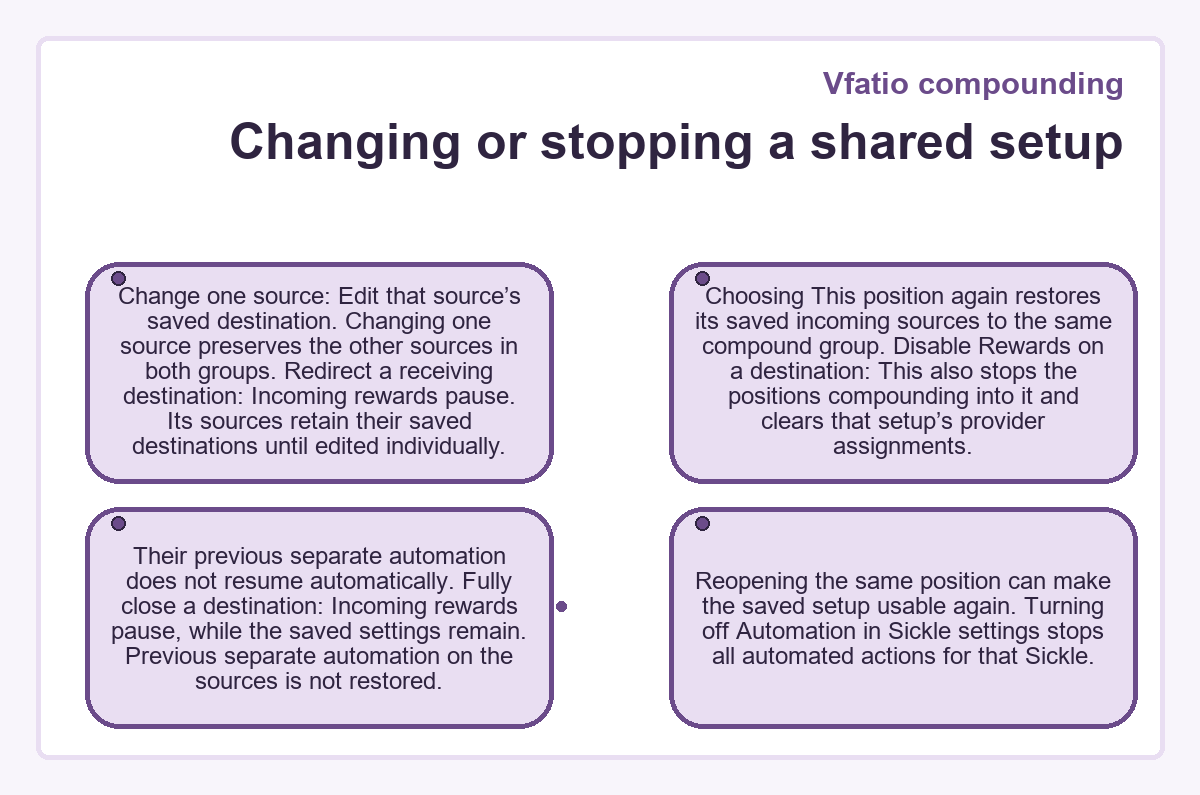
- Change one source
- Edit that source’s saved destination. Changing one source preserves the other sources in both groups.
- Redirect a receiving destination
- Incoming rewards pause. Its sources retain their saved destinations until edited individually. Choosing This position again restores its saved incoming sources to the same compound group.
- Disable Rewards on a destination
- This also stops the positions compounding into it and clears that setup’s provider assignments. Their previous separate automation does not resume automatically.
- Fully close a destination
- Incoming rewards pause, while the saved settings remain. Previous separate automation on the sources is not restored. Reopening the same position can make the saved setup usable again.
Turning off Automation in Sickle settings stops all automated actions for that Sickle.
Provider rewards and completed runs
Normal auto-compounding includes eligible unassigned provider rewards, such as Merkl rewards, without a separate provider selection. A provider claim can cover several positions within the same Sickle on the same chain. Assigned rewards remain with their chosen destination; selecting another position does not itself add, remove, or redirect those assignments.
Configured identifies a saved group setup. It does not establish that an execution is queued or that rewards have moved. Missing approvals, unavailable destinations, funding problems, and execution errors have separate statuses.
The destination’s History lists completed runs. Compounded entries record reward-source attribution, and NFT entries also show the value and token amounts added. A completed group run can include rewards from only some sources. Expanded transaction totals may include other positions or wallets in the same batch, so those totals should not be treated as the contribution of a single source.